Best for
New FPV pilots who want a complete micro-whoop kit, assisted first flights, simulator support, and a progression path to full Manual mode.
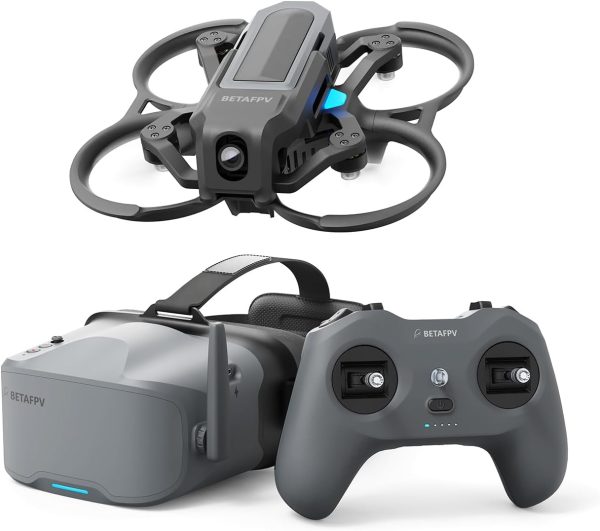
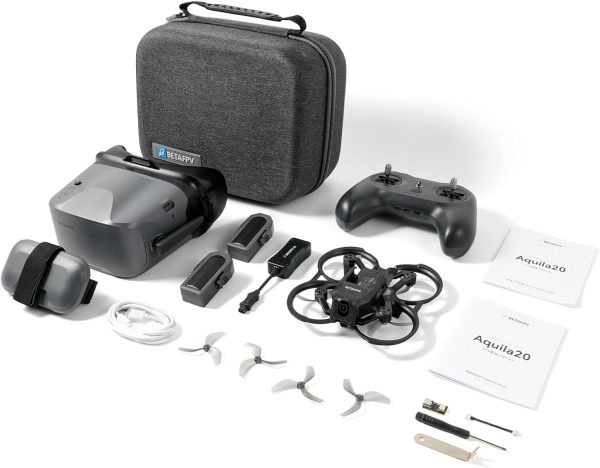
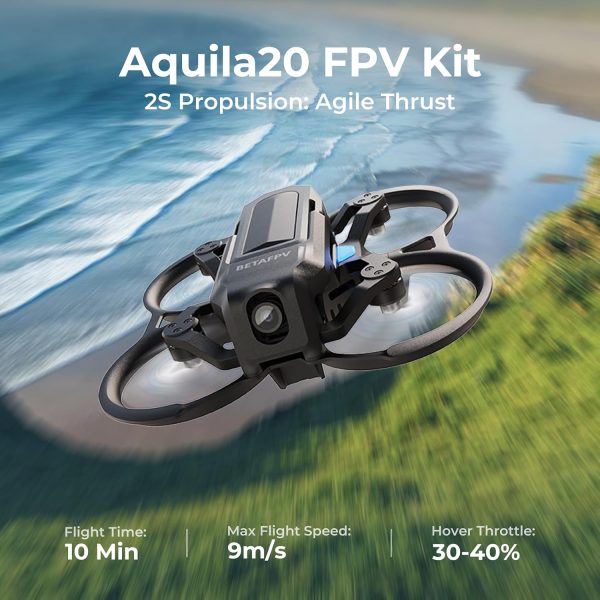
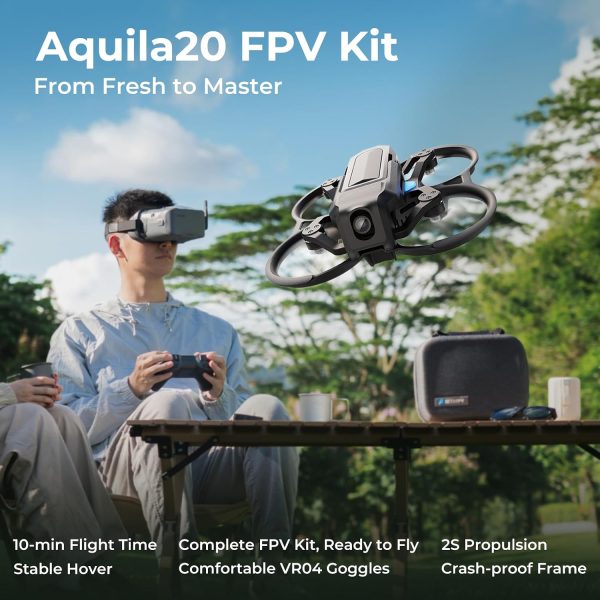
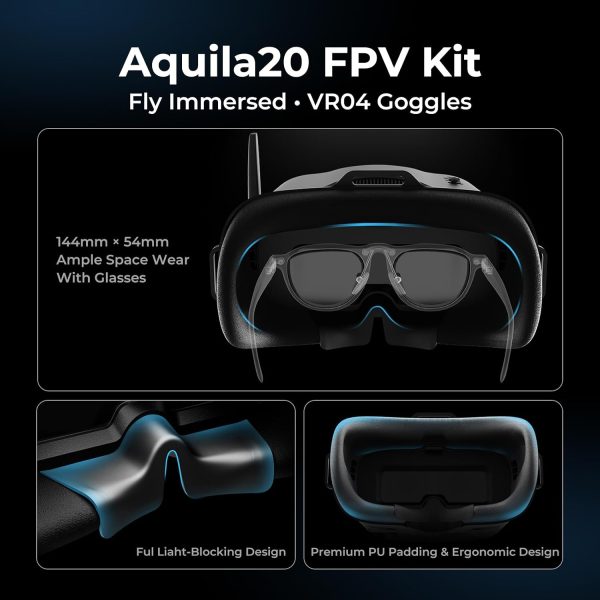
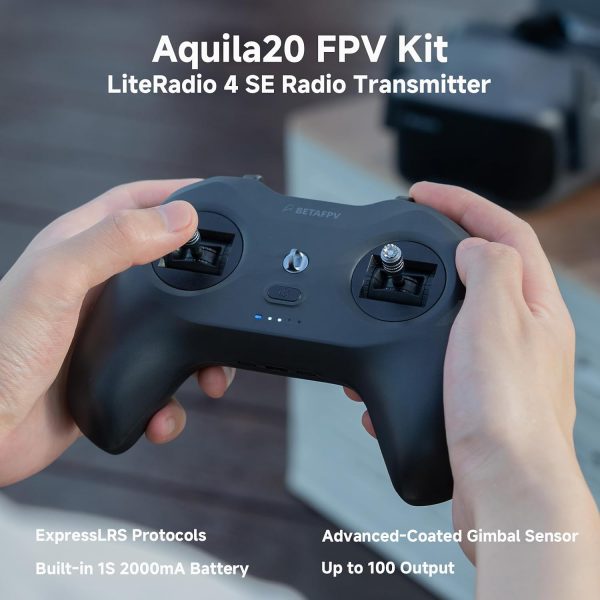
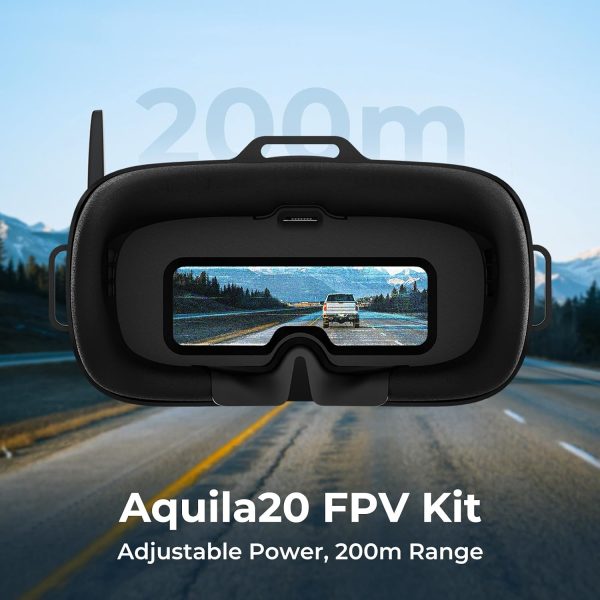
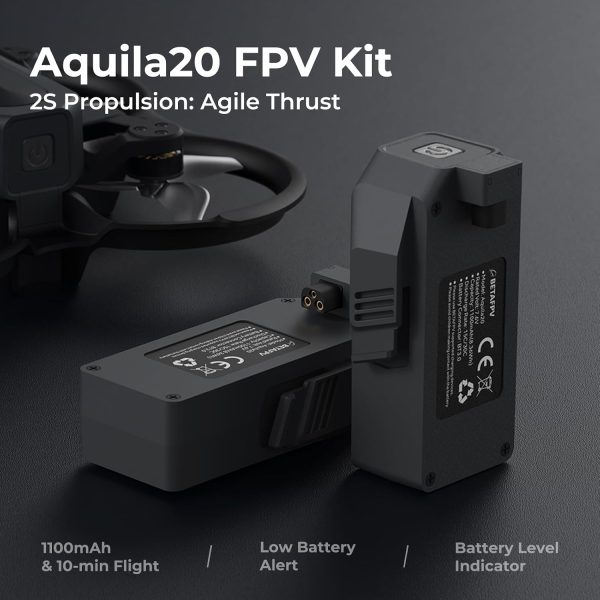
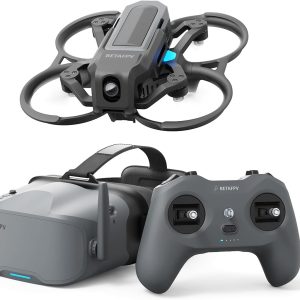
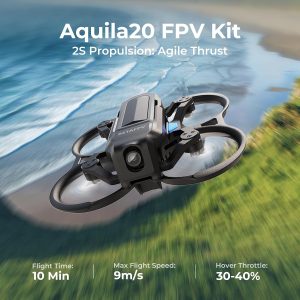
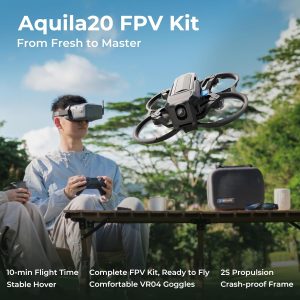
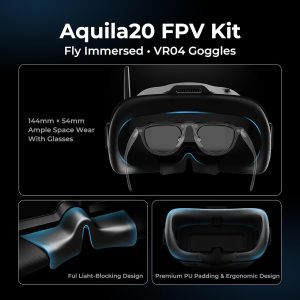
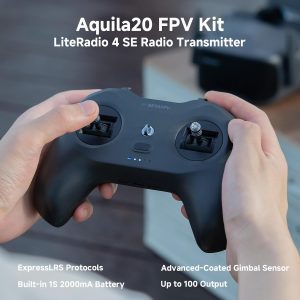
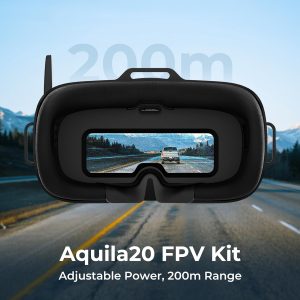
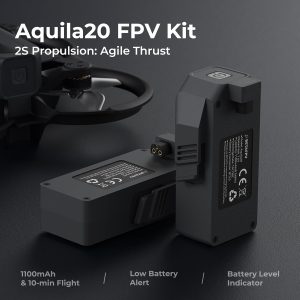
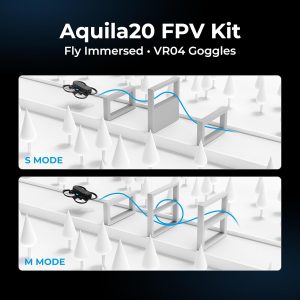
The BETAFPV Aquila20 FPV Kit is a complete analog RTF system with a 122 g brushless whoop, ExpressLRS LiteRadio 4 SE transmitter, VR04 DVR goggles, assisted N mode, Manual mode, and approximately ten-minute manufacturer-rated flights.
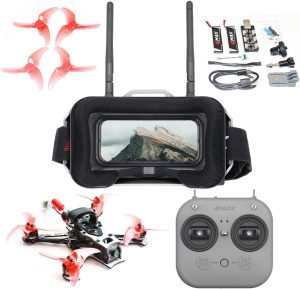
The BETAFPV Aquila20 FPV Kit is a complete analog ready-to-fly package for beginners who want to learn genuine FPV stick control without selecting a drone, radio, goggles, batteries, and charger separately. It combines the 2S Aquila20 brushless whoop, a LiteRadio 4 SE ExpressLRS transmitter, and VR04 analog FPV goggles in one matched system.
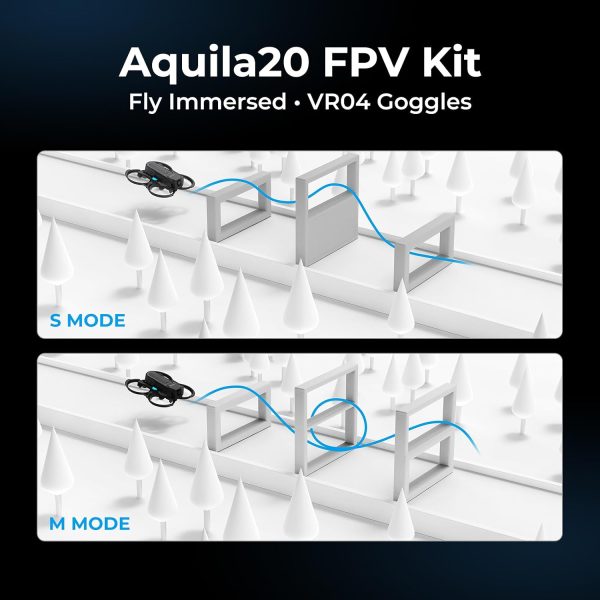
Its N mode adds altitude hold and stable hovering for early practice, while S and M modes provide a path toward unassisted FPV flying. The tradeoff is that this is an analog training kit, not an HD camera drone. Expect a low-latency piloting feed and basic goggle DVR recording rather than stabilized onboard 4K video, GPS navigation, automatic tracking, or obstacle avoidance.
Best for
New FPV pilots who want a complete micro-whoop kit, assisted first flights, simulator support, and a progression path to full Manual mode.
Not ideal for
Buyers expecting HD recording, GPS, Return to Home, obstacle avoidance, automated filming, long range, or an unsupervised children’s toy.
Verify before buying
Confirm the listing is the analog kit, the desired Mode 1 or Mode 2 stick layout, the battery count, and the exact goggles, radio, charger, accessories, seller, and warranty included.
| Specification | Aquila20 analog kit |
|---|---|
| Product type | Analog ready-to-fly brushless FPV whoop kit |
| Takeoff weight | 122±1 g |
| Wheelbase | 100 mm |
| Flight controller | Aquila20 V1.0 |
| Radio system | ExpressLRS 2.4 GHz V3 with LiteRadio 4 SE |
| Video system | 5.8 GHz analog VTX, adjustable from 25 mW to 350 mW |
| Rated video range | More than 200 m in manufacturer conditions |
| Camera | C04 1/3-inch CMOS analog FPV camera with 10°–30° adjustable angle |
| Flight modes | N, S, and M modes plus Turtle mode |
| Battery and flight time | 2S HV 1100 mAh smart LiPo; about 10 minutes per battery in manufacturer testing |
| Included goggles | VR04 analog goggles with a 4.3-inch 800×480 display and 480p/30 fps DVR |
Specifications, package contents, and operating guidance were checked against BETAFPV’s official Aquila20 product page and Aquila20 support page on July 14, 2026. Range, flight-time, and runtime figures are manufacturer ratings; actual results depend on settings and conditions.
The core components are selected to work together: the aircraft uses ExpressLRS 2.4 GHz V3 control, the LiteRadio 4 SE is the matching radio, and the VR04 receives the Aquila20’s analog video feed. That removes several compatibility decisions that often confuse a first-time FPV buyer. The supplied aircraft and radio should still be checked for a successful bind before every flight.
N mode uses a barometer for altitude hold and stable hovering, which helps a beginner concentrate on direction and throttle habits. S and M modes remove the assists for more direct control, and Turtle mode can attempt to flip the aircraft upright after some inverted landings. Full Manual mode can accelerate and change altitude quickly, so simulator practice should come before using it in a confined space.
The LiteRadio 4 SE supports Bluetooth and USB simulator connections. BETAFPV rates its built-in 2000 mAh battery for approximately four to five hours at 100 mW or up to eight hours at 25 mW. Using the same radio for simulator sessions helps a new pilot build stick memory without consuming flight batteries or replacement parts.
This product is the standard Aquila20 analog kit. It uses the C04 analog camera, Aquila20 analog VTX, and VR04 analog goggles. It is a different product from the Aquila20 HD kit with the P1 digital video system and VR04 HD goggles.
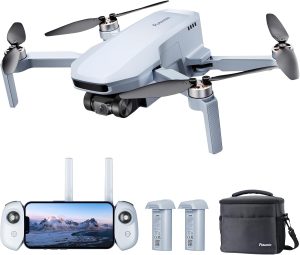
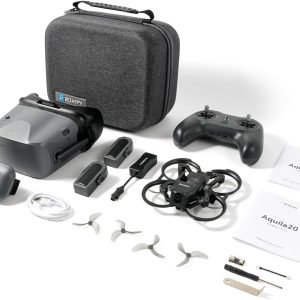
BETAFPV’s current official package list includes one Aquila20 analog brushless whoop, one LiteRadio 4 SE transmitter, one VR04 goggle set, two 2S HV 1100 mAh smart batteries, a 2S HV charger and voltage tester, a spare propeller set, USB-C and adapter cables, a prop-removal tool, a Phillips screwdriver, a storage bag, and printed guides.
Retailer listings can package products differently. Confirm the battery quantity and every accessory against the specific offer before ordering, especially when comparing the standard Aquila20, Aquila20 HD, Aquila16, and older BETAFPV starter kits.
BETAFPV lists the Aquila20 at approximately 122 g, below the 250 g U.S. recreational registration threshold. That does not make every flight exempt from regulation. U.S. recreational pilots still need to complete TRUST, follow airspace and operating rules, and maintain visual line of sight. When goggles prevent the pilot from seeing the aircraft directly, use a co-located visual observer in direct communication.
Registration and Remote ID requirements can change when a flight is non-recreational or the aircraft is otherwise required to be registered. Check the current FAA recreational flyer requirements or the appropriate local aviation authority before flying outdoors.
Use the product page for the purchase decision and the guides below for deeper research.
The BETAFPV Aquila20 FPV Kit is the best beginner FPV drone kit for most first-time pilots. It is a genuinely complete analog ready-to-fly set with a protected drone, ExpressLRS radio, goggles, two flight batteries, charger, spare...
An FPV drone is a drone flown using a live video feed from a camera on the aircraft. Instead of watching the drone only from the ground, the pilot sees the camera view through goggles or a screen and controls the aircraft from that...
An FPV drone build kit can mean a complete ready-to-fly package, a nearly finished drone that needs compatible equipment, or a loose collection of parts that still leaves major decisions to the buyer.
The best FPV drone depends on what you want to learn or record. Choose the DJI Avata 2 for the most polished premium package and stabilized 4K footage.
The BETAFPV Aquila20 FPV Kit is a sensible first system for someone who specifically wants to learn FPV rather than buy a conventional camera drone. It provides a matched aircraft, ExpressLRS radio, analog goggles, assisted N mode, full Manual mode, simulator connectivity, and roughly ten-minute manufacturer-rated flights in one package.
Buy it with the right expectations. The analog image and 480p goggle recording are for piloting and practice, not polished aerial filmmaking. Range is modest, LiHV battery care is required, and Manual mode still demands patience. For a beginner who values a complete learning path and replaceable FPV hardware, those compromises can make more sense than paying for an HD system immediately.
It includes the aircraft, compatible radio, goggles, batteries, charging equipment, and basic tools in BETAFPV’s standard package. Charge the equipment, read the manual, confirm binding and video reception, and complete the preflight checks before flying.
No. This listing is for the analog Aquila20 kit with a C04 camera, analog VTX, and VR04 analog goggles. The Aquila20 HD kit uses different video hardware and goggles.
BETAFPV rates each 2S HV 1100 mAh battery for about ten minutes of smooth flight. Aggressive flying, higher VTX power, temperature, battery condition, and landing reserve can reduce usable time.
Yes. The VR04 goggles can record the received analog feed at 480p/30 fps to a compatible FAT32 microSD card up to 64 GB. The card is not included, and this is not onboard HD recording.
Manual mode is available, but it removes the stability assistance that makes N mode easier. Begin with simulator practice and N mode, learn the arm and disarm controls, and move to unassisted modes only in a suitable open area.
At approximately 122 g, it is generally below the U.S. recreational registration threshold when flown only for recreation. TRUST, visual-line-of-sight, airspace, and other operating rules still apply, and non-recreational operations can have different requirements.
| Brand | BETAFPV |
|---|---|
| Model | Aquila20 FPV Kit |
| Product Type | Analog Ready-to-Fly FPV Whoop Kit |
| Skill Level | Beginner to Intermediate |
| Takeoff Weight | 122±1 g |
| Wheelbase | 100 mm |
| Flight Controller | Aquila20 V1.0 |
| Flight Modes | N, S and M modes; Turtle mode |
| Max Flight Time | About 10 minutes per battery in manufacturer testing |
| Radio Transmitter | LiteRadio 4 SE |
| Radio Protocol | ExpressLRS 2.4 GHz V3 |
| Radio Channels | 10 |
| Simulator Connection | Bluetooth and USB |
| FPV Goggles | VR04 analog FPV goggles |
| Goggles Display | 4.3-inch 800×480 |
| Goggles Channels | 5.8 GHz 48-channel analog receiver |
| DVR Recording | 480p/30 fps to FAT32 microSD up to 64 GB |
| Camera | C04 1/3-inch CMOS analog FPV camera |
| Camera Angle | 10°–30° adjustable |
| Video Transmitter | Aquila20 analog VTX; 25–350 mW adjustable |
| Rated Video Range | More than 200 m in manufacturer conditions |
| Motors | 1103 10500KV brushless motors |
| Propellers | Gemfan 2218 3-blade propellers |
| Battery | 2S HV 1100 mAh smart LiPo with BT3.0 connector |
| Frame Material | PA |
| Weather Protection | Not waterproof or dustproof |
This product is the analog Aquila20 FPV Kit. Its matched video chain is the C04 analog camera, Aquila20 analog VTX, and VR04 5.8 GHz analog goggles. The Aquila20 HD kit uses a P1 digital video system and VR04 HD goggles. Do not assume that parts labeled only “Aquila20” or “VR04” are interchangeable across the two video versions.
The aircraft uses ExpressLRS 2.4 GHz V3, and the included LiteRadio 4 SE is supplied as the matched transmitter. A replacement or upgraded radio must support the appropriate ExpressLRS version and be configured and bound correctly. Analog video compatibility and radio-control compatibility are separate: a radio does not receive the camera feed, and goggles do not control the aircraft.
BETAFPV offers versions with Mode 1 or Mode 2 stick layouts. Mode 2 places throttle on the left stick and is the more common layout in the United States, but buyers should choose the layout that matches their existing training and simulator habits. Confirm the Amazon offer’s stick mode before ordering.
The Aquila20 uses its 2S HV 1100 mAh smart battery with a BT3.0 connector and Gemfan 2218 three-blade propellers. Verify the exact connector, voltage, capacity, propeller direction, and product compatibility before installing a replacement. A part that physically fits is not automatically electrically or mechanically safe.
The Aquila20 battery is a 2S high-voltage LiPo pack charged to a higher voltage than a standard 2S LiPo. BETAFPV warns that using its LiHV charger with a standard-voltage 2S battery can overcharge that battery. Use only the correct recommended equipment, charge on a suitable nonflammable surface, remain present, and allow a recently used pack to cool before charging.
Use the official BETAFPV Configurator and the firmware file intended for the exact analog Aquila20 hardware. BETAFPV’s current support page warns that a specific analog VTX update is only for boards with the listed PA chip and board silkscreen. Do not flash that file unless the hardware matches. After a supported flight-controller update, follow BETAFPV’s current instruction to restore the default settings in the Configurator.