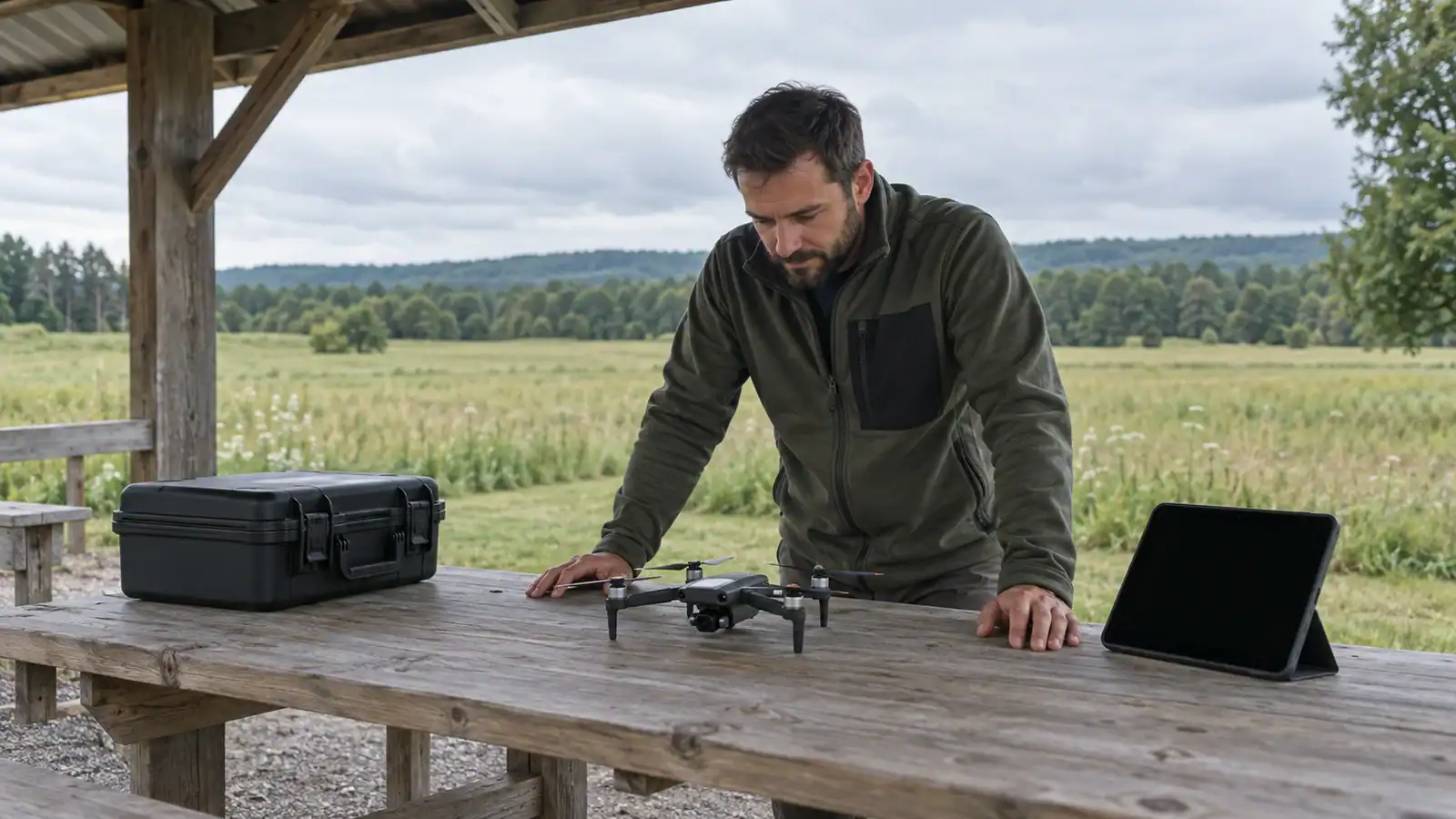
DJI Neo 2 camera stabilization combines a two-axis mechanical gimbal with RockSteady electronic stabilization. A banking horizon can be intentional in FPV gimbal mode; a persistent tilt in Follow mode needs a different check. Start by comparing the original aircraft recording with the live preview, then check the gimbal mode before changing calibration or assuming the camera is damaged.

Featured gear
DJI Neo 2 Follow-Me Camera Drone
The DJI Neo 2 is a 151 g follow-me camera drone with palm takeoff and return, gesture control, ActiveTrack, omnidirectional sensing, a two-axis gimbal, 4K/60 fps video, vertical capture, and 49 GB of internal…
The DJI Neo 2 is a 151 g follow-me camera drone with palm takeoff and return, gesture control, ActiveTrack, omnidirectional sensing, a two-axis gimbal, 4K/60 fps video, vertical capture, and 49 GB of internal storage.
- Best for
- Best for beginners and solo creators who want a compact controller-free follow-me drone with…
- Skill level
- Beginner
- Product type
- Beginner Drones, Camera Drones, DJI Drones, DJI flying camera, Drones, Under 249g Drones
- Best for
- Beginners and solo creators who want a compact controller-free follow-me drone with stabilized 4K/60…
- Skill level
- Beginner
- Product type
- Follow-Me Camera Drone
What the gimbal and RockSteady each do
The gimbal physically adjusts camera tilt and roll. Tilt points the lens up or down; roll changes whether the horizon slopes. RockSteady is electronic image stabilization, a separate part of the recording system. Switching electronic stabilization off does not turn a two-axis camera mount into a fixed camera.
The Neo 2 specification sheet lists RockSteady and an off setting, with the on/off switch available when paired with goggles. It also lists support for Gyroflow processing of footage captured with stabilization off. Do not search for original Neo HorizonBalancing settings as if they were Neo 2 instructions.
If your phone control screen does not offer that switch, its absence alone is not evidence of a fault. For the required equipment combinations, see DJI Neo 2 goggles compatibility. There is no reason to buy a different controller merely to diagnose an otherwise normal phone-mode picture.
Follow mode and FPV mode give different horizons
In the Neo 2 manual, page 84, Follow gimbal mode maintains orientation relative to the horizontal plane. FPV gimbal mode lets the camera roll with the aircraft during forward flight. The documented mode selector is in DJI Fly's settings under Control.
Here, Follow means a gimbal behavior. It is separate from a subject-following flight function. Likewise, FPV gimbal mode is not a direction to switch the aircraft into Manual flight mode.
The specification sheet also distinguishes recorded image roll correction from the goggles live view, where live-view correction is unavailable. A sloping goggles picture therefore does not, by itself, establish that the saved video has the same slope.
As a practical comparison, retain the aircraft's original clip and look at the same moment that concerned you in the preview. Use a clearly level distant feature where one is available; a sloping roof or hillside is a poor reference. Avoid judging an edited export with extra rotation or stabilization applied. Record which gimbal mode and electronic-stabilization setting were active so that a later comparison means something.
Why an upward camera angle can change during a maneuver
DJI's gimbal angle reference gives Neo 2 a controllable tilt range of -90 to +70 degrees. Its mechanical tilt travel is wider, -125 to +105 degrees. The controllable range describes where you can aim; the mechanical range describes the mount's travel. Neither promises unchanged framing while the aircraft moves.
The manual warns that a large camera tilt combined with forward acceleration or deceleration can trigger a downward angle adjustment at the gimbal's limit. It also describes speed limiting and possible aircraft-body intrusion into the picture at large tilt angles. Strong wind can cause gimbal vibration.
If an angle change occurs only when looking steeply upward and accelerating, compare a less extreme camera angle with gentler movement. That comparison can distinguish a movement-dependent limitation from a constant offset. Do not try to reproduce the problem with aggressive maneuvers, close obstacles or worsening wind.
Match the symptom to the next check
Use these observations to choose a check, not to diagnose a failed component from one clip.
| What you see | First useful check | What the comparison tells you |
|---|---|---|
| Banking during a turn | Check whether FPV gimbal mode was selected. | Intentional bank should be considered before calibration. |
| Tilt in goggles, uncertain result in the saved clip | Review the matching aircraft original. | A preview-only difference is not proof of a recording defect. |
| Camera drops from a steep upward angle | Compare gentler movement at a lower camera angle. | A change tied to that combination is consistent with a travel limitation. |
| The same slope remains in a calm Follow-mode recording | Check startup conditions and the app calibration procedure below. | Persistent skew deserves investigation after mode and movement effects are excluded. |
| Rapid wobble or visibly shaking hardware | Land, inspect for damage and check for obstructions. | Image vibration and a simple horizon offset need different treatment. |
For a repeat recording, change one relevant setting at a time and keep the scene and movement as similar as safely possible. If you change the gimbal mode, camera angle and flight behavior together, an improved picture will not reveal which change mattered. Keep both originals and label the settings.
Check startup, calibration and firmware safely
Before power-on, remove the gimbal protector and use a clear, flat surface. The manual warns against obstructions, added gimbal loads and forcing the powered gimbal. Do not twist the camera straight by hand. If damage is visible, stop and seek service.
For unexplained vibration or persistent skew, DJI's camera-drone support guidance describes this automatic gimbal calibration route:
- Place the aircraft on level ground with the propellers stopped and camera movement unobstructed.
- Connect the aircraft and your existing compatible control setup, then open the camera view in DJI Fly.
- Open the three-dot settings menu, then Control > Gimbal Calibration > Auto Calibration, if that option is offered for the connected setup.
- Follow the displayed instructions and let the procedure finish without moving or handling the aircraft.
That menu path comes from DJI's general camera-drone support instructions; the displayed options can depend on your setup. If it is absent or repeatedly fails, record the message for support rather than substituting a procedure for another product. Leave damper repositioning, disassembly and component replacement to service support.
For gimbal drift during flight, the Neo 2 manual separately directs users to calibrate the IMU and compass in DJI Fly, then contact DJI if the problem persists. Follow the app's placement and movement prompts. A completed calibration is a reason to check the result, not proof that impact damage has been repaired.
Record the aircraft, app and connected-device versions before updating. Use the official update offered for your connected equipment. DJI's December 10, 2025 release notes warn that updates can reset flight parameters and call for restarting connected devices afterward. Recheck those settings before flight. That dated release does not identify a specific horizon repair and should not be treated as the latest firmware recommendation.
When to adjust the shot and when to request service
If the picture changes predictably with FPV gimbal mode or a steep camera angle, adjust the mode or shot and compare the recording. If the original clip stays tilted in ordinary Follow-mode use, or vibration persists after the permitted checks, keep the footage and contact DJI support.
Include the original clip, control setup, versions, gimbal mode, stabilization setting, exact warning and any impact history. Explain whether the problem appears in the live preview, the aircraft recording or both. This is more useful than a cropped screenshot labeled “bad stabilization.”
Do not keep flying a damaged or visibly shaking aircraft to collect more examples. A purchase or replacement gimbal is not the first step for an unconfirmed fault; a clear symptom record and the correct mode comparison are.
Sources
- DJI Neo 2 User Manual v1.2: pages 83-84 cover gimbal limits and modes; pages 94-97 cover updates, inspections and drift troubleshooting.
- DJI Neo 2 specifications, reproduced by Clifton Cameras: camera stabilization and gimbal specifications on pages 4-5; manufacturer specifications, not independent testing.
- DJI gimbal tilt specifications and control: Neo 2 tilt ranges and camera-angle controls.
- DJI: Jello Effect in the Drone Videos: general camera-drone vibration, inspection, calibration and service guidance.
- DJI Neo 2 release notes, December 10, 2025: update restart and settings-reset cautions; a dated release record.
Last checked: September 10, 2026.



