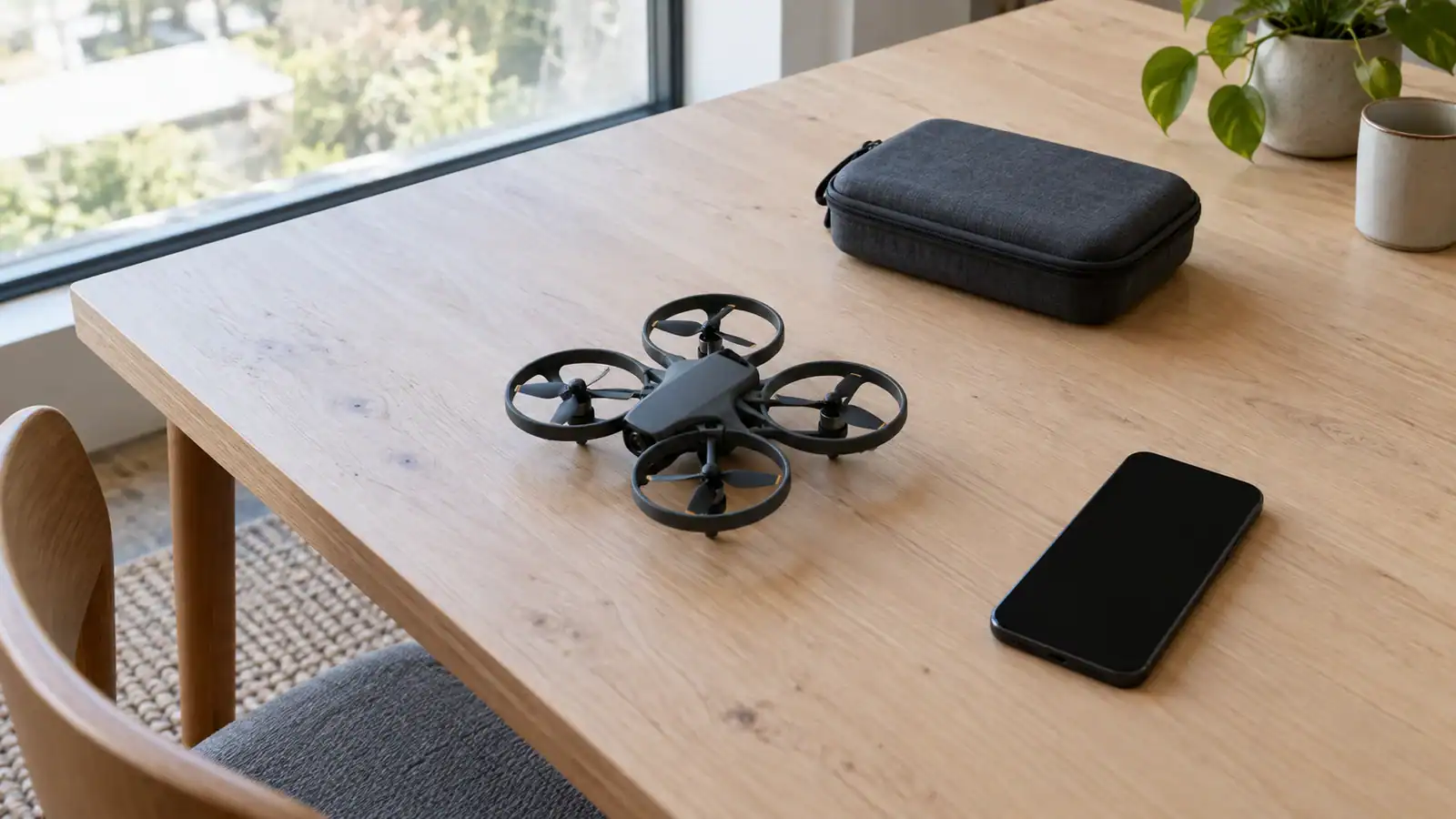
Update HS FLY through your phone’s app store, then check the connection before flying. Holy Stone’s HS360S manual says its firmware cannot be upgraded.
Trace HS360S connection problems from transmitter pairing to the phone cable and HS FLY. Use iPhone and Android checks, recognize Wi-Fi confusion, and know when to stop.
Install the offered X1 PRO firmware through the official app, allow its restart to finish, then check the version and flight settings before taking off.
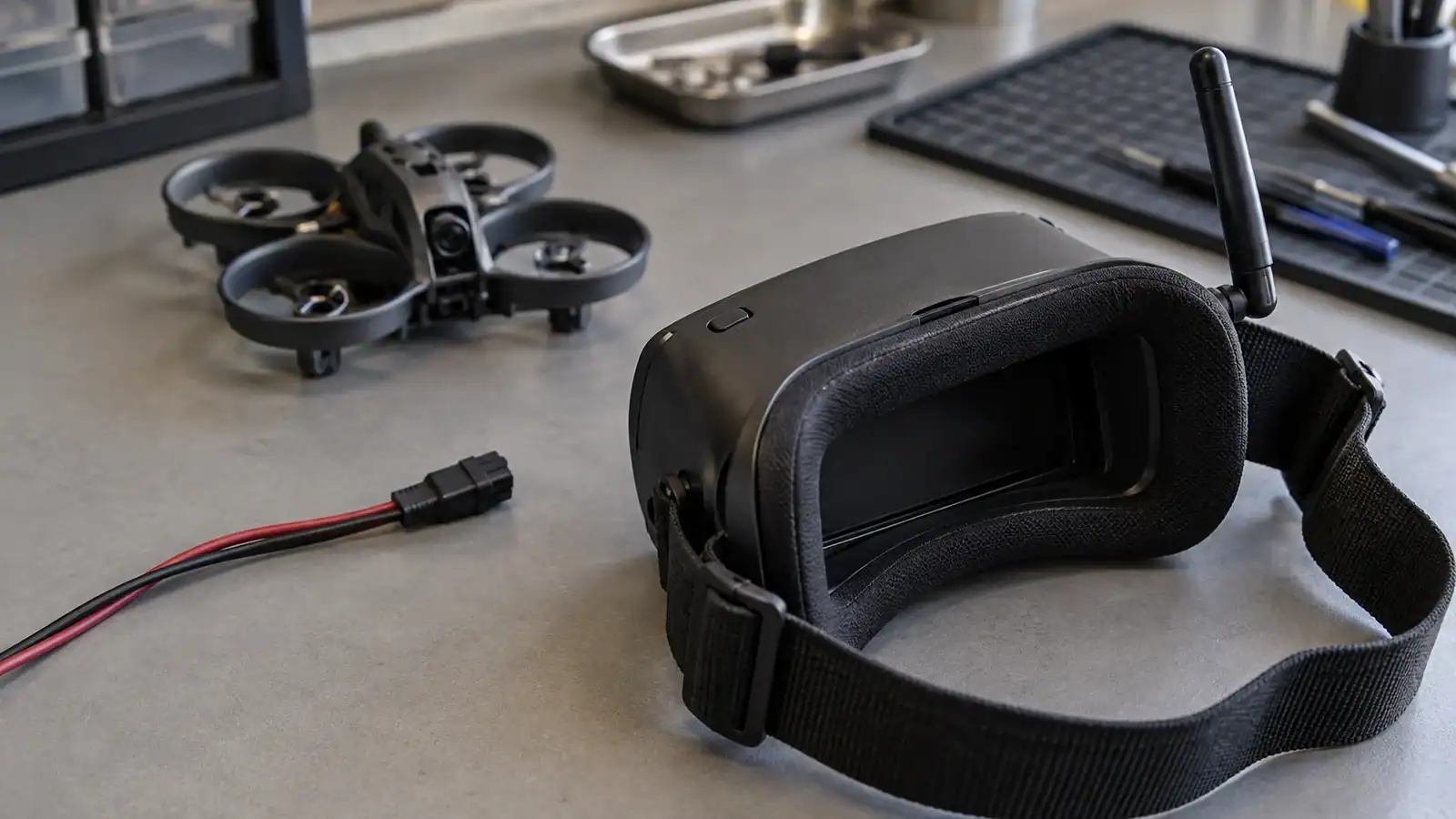
Separate goggle power problems from missing analog video, check the Aquila20 channel safely, and recognize when heat, damage or firmware uncertainty means stopping.
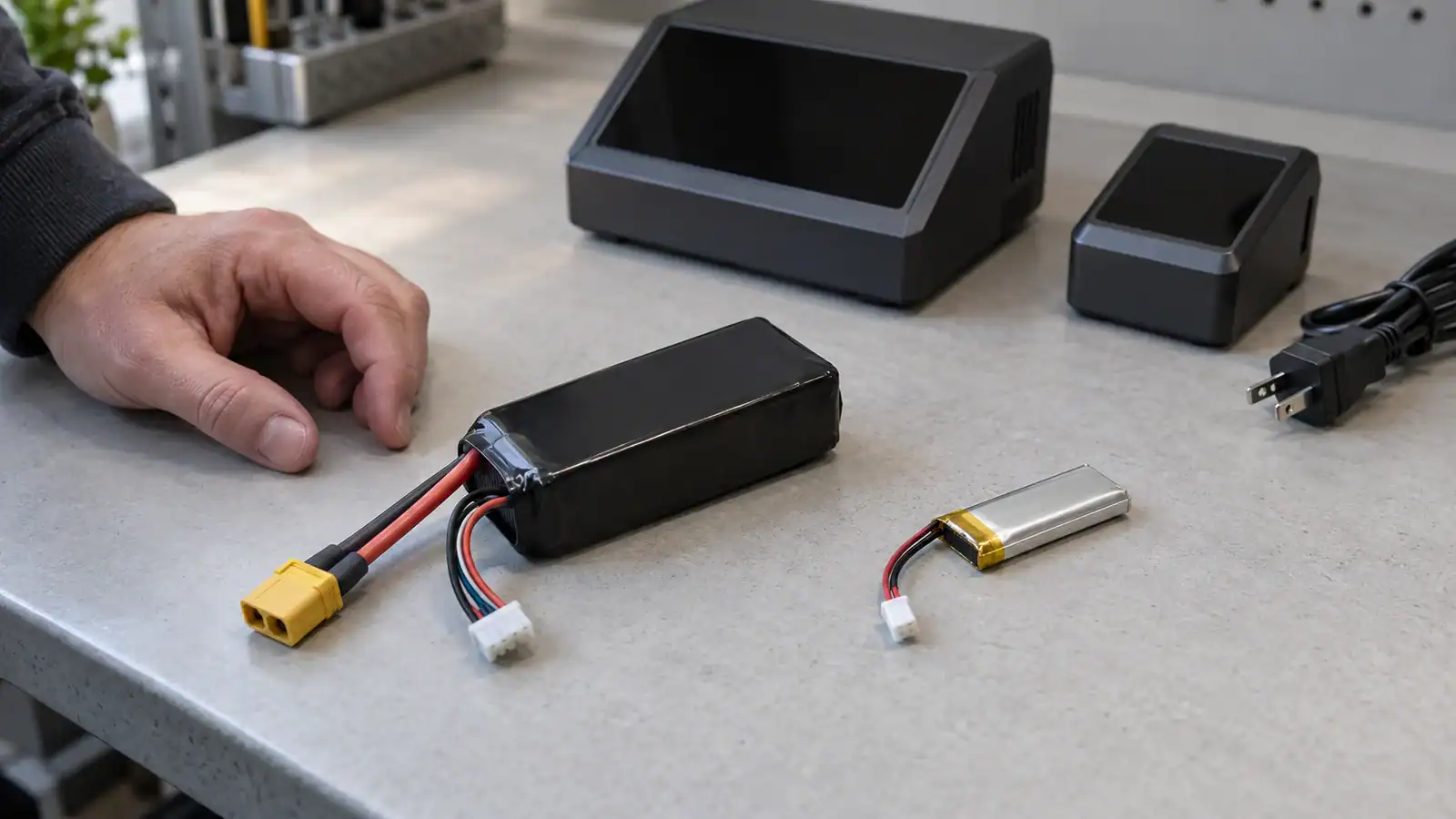
Check the pack, power input, connections, and charge target before replacing a battery or charger. Follow separate D6 Pro and WhoopStor 3 checks and stop when a fault remains unexplained.
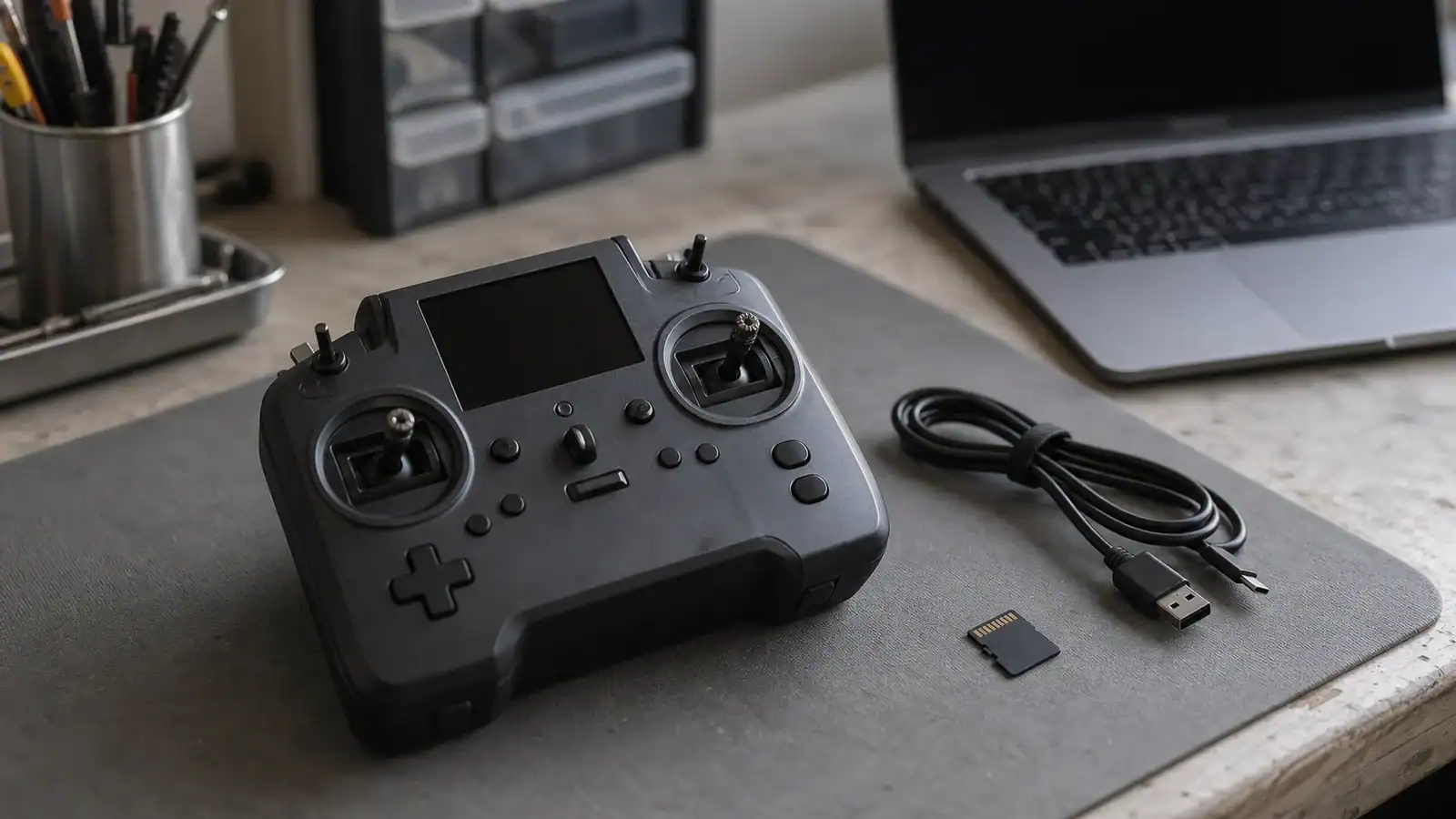
Back up the Pocket, update EdgeTX and the internal ExpressLRS module separately, then verify receiver compatibility, controls and arming before flying.