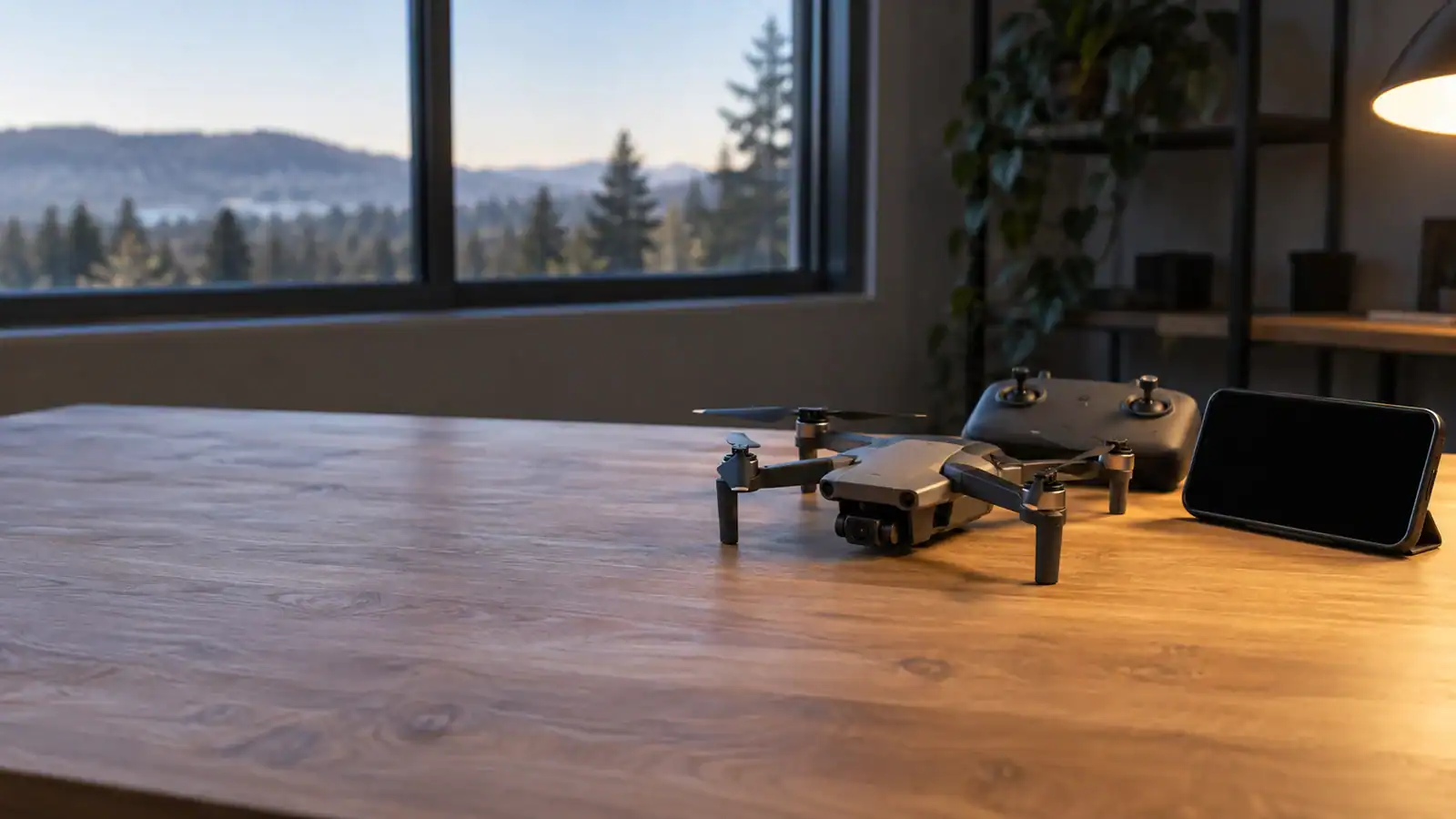
The Holy Stone HS360S automatically starts Failsafe Return to Home when its controller connection is lost, provided it is in GPS mode. It heads for the last recorded Home Point. A frozen phone picture is a different symptom, and losing GPS removes the basis for that return. Do not treat every kind of “lost signal” as a promise that the drone will come back.

Featured gear
Holy Stone HS360S GPS Camera Drone
The Holy Stone HS360S is a 249 g beginner GPS camera drone with brushless motors, Return to Home, HS FLY smart modes, a 3 km manufacturer-rated link, and 4K/20 fps recording to a compatible…
The Holy Stone HS360S is a 249 g beginner GPS camera drone with brushless motors, Return to Home, HS FLY smart modes, a 3 km manufacturer-rated link, and 4K/20 fps recording to a compatible microSD card.
- Best for
- Best for a beginner who wants a low-cost 249 g GPS camera drone with…
- Skill level
- Beginner
- Product type
- Beginner Drones, Camera Drones, Drones, Under 249g Drones
- Best for
- A beginner who wants a low-cost 249 g GPS camera drone with brushless motors,…
- Skill level
- Beginner
- Product type
- Foldable GPS Camera Drone
First identify which signal has failed
The phone, controller and aircraft do different jobs. Holy Stone describes a wired phone-to-controller connection; the phone does not need to join the drone's Wi-Fi. GPS supplies position information. Separating those functions helps you describe a fault without assuming its cause.
- Phone picture freezes: this alone does not establish that the aircraft has stopped receiving controller commands. If the aircraft remains visible and controllable, bring it back and land before troubleshooting the phone.
- Controller connection is lost: this is the trigger described for failsafe return. Watch the aircraft and controller status rather than assuming the last camera frame shows its current position.
- GPS is unavailable: do not depend on GPS return. If you retain control, end the flight and land somewhere clear.
These are diagnostic distinctions, not a way to identify a failed component from one beep or one screen message. A phone fault and a radio-link fault can look similar from the pilot's screen. Keep your attention on the aircraft; save cable reseating and app restarts for after landing.
What the return sequence actually does
The V5.1 manual, pages 27–30, says the disconnected controller beeps continuously. During return, the aircraft attempts reconnection; after that succeeds, pressing RTH lets the pilot end the return and regain control.
Its diagrams show a climb to the app's Return Altitude when below it, or a return at the existing height when already above it. The aircraft has no automatic obstacle avoidance. Keep the controller powered on; cancel return only when the connection is restored and you can safely take over.
Low-battery return is a separate trigger, with a later automatic-landing stage. Beeping alone therefore does not prove signal loss. The manual gives no specific HS360S disconnect countdown here or guaranteed recovery procedure for simultaneous GPS and controller loss.
Make the return route workable before takeoff
Use the full model preflight procedure, then make these decisions while still on the ground:
- Choose a clear landing area. Ask whether the recorded home location would still be safe if the drone returned while your attention was on a connection problem. Avoid a launch spot that depends on someone moving a vehicle or clearing a crowd later.
- Check GPS readiness and the home location. Resolve missing or implausible position information before departure. Do not assume moving yourself also moves the return destination.
- Review Return Altitude against the whole route. Think about the space above the aircraft, the journey back and the descent area. Raising a setting is not a solution to every obstacle or site restriction.
- Keep a conservative operating area. Holy Stone advertises 3 km range under outdoor, unobstructed conditions. That figure is not a recommended flight distance or a promise that your location has a reliable link.
A useful go/no-go question is: could you still manage the flight if the camera view disappeared here? If the answer depends on the picture remaining perfect, choose a closer, clearer flight area.
What to check after a disconnection
Once safely landed, write down what failed first: camera updates, controller status, GPS indication or response to commands. Record where the aircraft was relative to buildings and trees, and whether the problem appeared after changing the phone or cable. That sequence is more useful than a general report that the drone “lost signal.”
Check the phone connection while grounded. A loose plug, an app problem and an aircraft radio problem call for different follow-up work; buying an accessory before identifying the fault can leave the original problem unresolved. Do not deliberately switch off the controller in flight to reproduce a failure.
Use the official HS360S support page for model-specific documentation and app links. For repeated faults, give support the exact model, phone, app version, symptoms and any warning text. Ask for instructions for that combination before flying again.
Keep firmware and app updates separate: V5.1, page 60, says the product firmware cannot be upgraded; HS FLY updates come through the app store. An app update is not evidence that a particular airborne disconnection has been fixed.
Use failsafe return as a backup
Resume flying only after resolving the fault and confirming a usable setup. If you cannot establish a clear return route or explain recurring disconnections, change the location or seek model-specific support. A successful return once does not establish that the next flight has the same conditions.
Sources
- Holy Stone HS360S Instructions for Use V5.1: manufacturer return behavior, flight precautions and firmware statement.
- Holy Stone HS360S product page: wired phone connection and qualified advertised range.
- Holy Stone HS360S support: official model documentation and app routes.
Last checked: September 10, 2026.



